
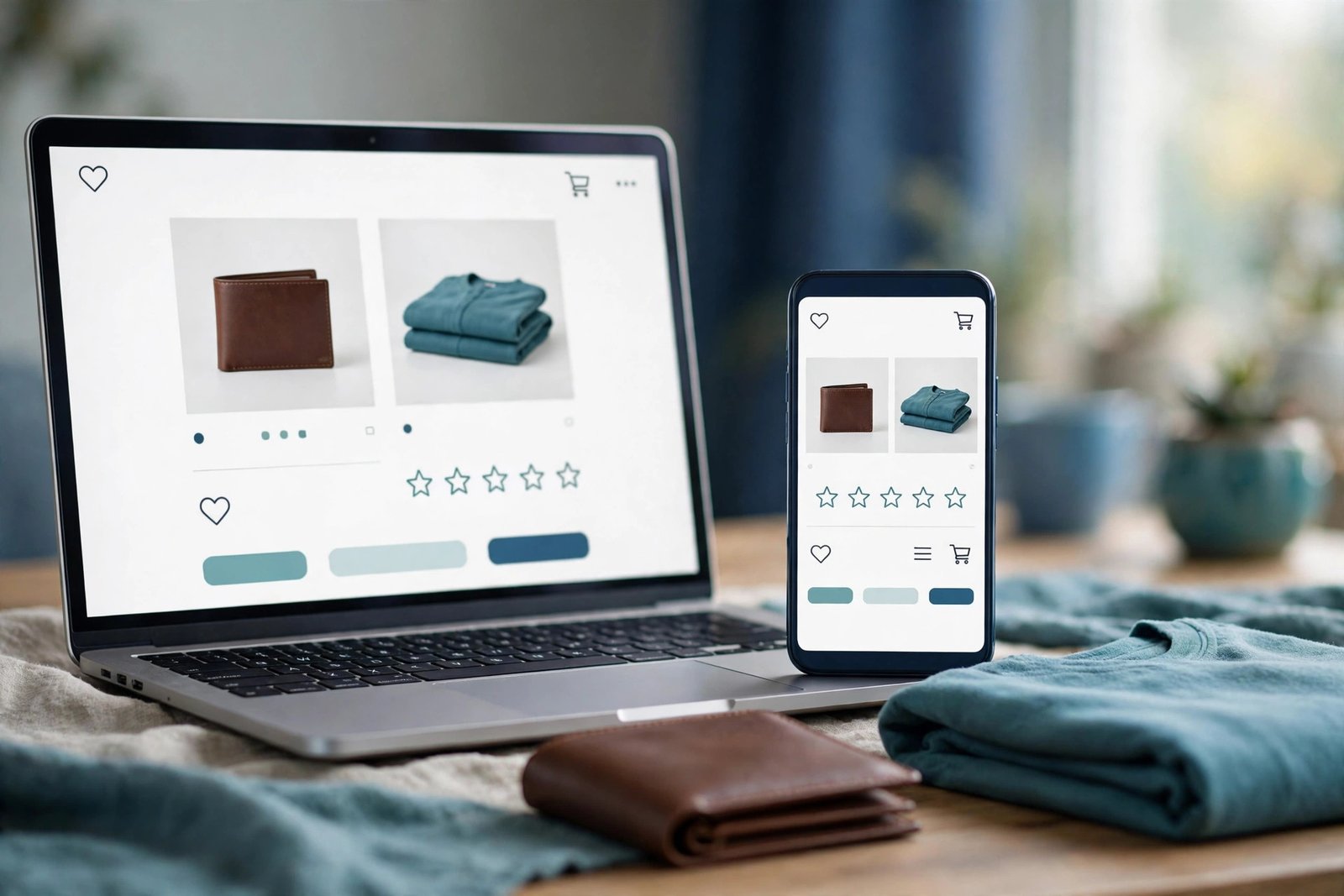
Your homepage tells people who you are. Your product pages are where the money changes hands. When someone in Pakistan searches “men’s leather wallet price in Pakistan” or “best lawn suits online”, they do not want your homepage — they want the exact product, the price in rupees, and a reason to trust you enough to order. That is what product page SEO is for.
Most Pakistani online stores get this backwards. They spend on ads and social media, then send the traffic to product pages with copied supplier descriptions, one blurry photo, no reviews and no delivery information. Google cannot rank those pages, and buyers cannot trust them. This guide fixes both at once: every step below helps your product pages rank higher on Google and convert more of the visitors who land on them.
Disclosure: this article contains affiliate links. If you buy through them, we may earn a commission at no extra cost to you.
1What Product Page SEO Is — and Why It Matters More Than Your Homepage
Product page SEO is optimising each individual product page — its title, description, images, price, reviews, schema markup and internal links — so it ranks on Google for the searches buyers actually type, and converts the visitors who arrive.
It matters more than homepage SEO for one reason: intent. A person landing on your homepage is browsing. A person landing on a product page after searching “Samsung Galaxy A55 price in Pakistan” is one tap away from buying. Product pages target the highest-intent searches your store will ever get.
For Pakistani stores, the opportunity is unusually large. Most product pages ranking in Pakistan today are thin: a copied manufacturer description, a single photo, and a price. A properly optimised page — unique copy, real photos, reviews, clear COD and delivery terms — can outrank those pages without a single backlink. The gap is widest in fashion, electronics accessories, beauty, home goods and unstitched fabric, where hundreds of small stores sell the same products with identical copied text.
2Start with Keyword Research for Product Pages
Before you write a word, find out how your buyers actually search. Product-page keywords are different from blog keywords: short, commercial and specific.
- The product + “price in Pakistan” pattern. “Lawn suits price in Pakistan”, “wireless earbuds price in Pakistan” — the highest-intent product searches in the country. Your title and H1 should match the way people type, not the way a catalogue writes.
- Brand and model searches. “Infinix Hot 50 price”, “Sapphire lawn 2026” — buyers who know the model are close to buying. Put the exact brand and model in the title, the URL and the first paragraph.
- Roman Urdu and mixed phrasing. Many Pakistani buyers search in Roman Urdu or a mix: “sasti lawn suits online”, “best kurti under 2000”. You do not need to write the whole page in Roman Urdu, but reflecting common phrasing in an FAQ captures searches your competitors ignore.
- The question behind the product. “Which fabric is best for summer in Pakistan?”, “how to check original vs copy shoes” — these belong in the product page FAQ, where they pull in searchers comparing before they buy.
A free research method: type your product into Google and study the autocomplete suggestions, the “People also ask” box, and the related searches at the bottom. Then open the top three product pages that rank and note what they do — and what they miss. If all three use copied supplier text and have no reviews, that is a page you can beat with one afternoon of work. (If you are still choosing what to sell, our guide to starting an online store in Pakistan covers picking products with real demand.)
3Product Titles and H1s That Match How Pakistanis Search
Your product title is the single most important on-page element. Google uses it to decide what the page is about, and searchers use it to decide whether to click.
- Put the main keyword first. “Men’s Leather Wallet — Brown, RFID Blocking | Free Delivery in Pakistan” beats “Premium Quality Genuine Leather Wallet for Men — Stylish Design”. The first version says what the product is in the first three words; the second wastes them on adjectives nobody searches for.
- Include the attribute buyers filter by. Colour, size, material, brand, model — whichever attribute your customers search for. For fashion: colour and fabric. For electronics: model and storage. For unstitched fabric: “3-piece” and the collection name.
- Add the price signal where it helps. If your price is competitive, “under PKR 2,000” in the title or meta description lifts click-through rates. If it is not, leave price out and win on quality signals instead.
- Keep the H1 identical to the product name. One H1 per page, matching the title tag closely. Do not use a clever slogan as the H1; Google and your buyers both prefer the plain product name.
- Write a unique meta description for every product. One sentence that sells the click: the product, the price or price range, one benefit, and COD or free delivery if you offer it. A missing meta description means Google writes one for you from random page text — usually badly.
4URLs, Categories and Breadcrumbs
A clean structure helps Google crawl your store and helps buyers understand where they are.
- Short, descriptive URLs.
/shop/mens-leather-wallet-brown/is good./shop/product/?id=48291&cat=12is not. Include the main keyword, drop filler words, and never change a live product URL without a redirect. - One category path per product. Put each product in its single most relevant category, not three. Multiple category paths create duplicate URLs for the same product, and Google has to guess which one is canonical.
- Breadcrumbs on every product page. Home › Men › Wallets › Leather Wallet. Breadcrumbs help buyers navigate back, and Google often shows them in search results instead of the raw URL — which makes your listing look more trustworthy.
- A flat structure beats a deep one. No product should be more than three clicks from your homepage. If a buyer (or Googlebot) has to dig through five levels of categories to find a product, it will rarely be found.
On WooCommerce, most of this is handled by the platform if you set your permalink structure to include the product name and keep categories tidy. On Shopify the URL structure is fixed (/products/product-name), which is fine — focus on titles, descriptions and schema instead of fighting the URL format.
5Product Descriptions That Actually Sell
This is where most Pakistani stores lose the ranking — and the sale. The same supplier description, copied word for word, appears on twenty stores. Google treats all twenty as duplicates and ranks none of them well. Buyers read it and feel nothing.
- Write it yourself, in your own words. Even 120–200 words of original copy beats 500 words of copied text. Describe the product as you would to a customer standing in your shop: what it is, what it is made of, who it is for, and why this one is worth the price.
- Lead with benefits, support with specifications. “Keeps your phone charged for two full days” is a benefit; “5,000 mAh battery” is the specification that proves it. Lead with the benefit, then give the specs in a clean table below.
- Answer the questions buyers ask on WhatsApp. Every question a customer has asked you in chat — “is this original?”, “will it fit a 6.7-inch phone?”, “does the colour fade after washing?” — belongs in the description or the FAQ. Those are the exact phrases people search.
- Use the keyword naturally, once or twice. The focus keyword belongs in the first paragraph and once more in the body. Stuffing it into every sentence reads as spam to Google and to humans.
- Never leave the description blank. If you have 200 products and no time, write proper descriptions for your 20 best sellers first — they earn most of the revenue anyway.
6Product Images and Video That Rank (and Load Fast)
For an online store, images are the product. A buyer cannot touch what you sell, so your photos do the selling — and Google Images is a real traffic source for Pakistani stores, especially for fashion and home goods.
- Use real photos of your actual product. Supplier renders and stock photos are used by every other store selling the same item. Real photos — even taken on a decent phone in good daylight — build trust and make your page the only one with unique images. A basic product shoot in Pakistan typically costs PKR 5,000–15,000 for a batch of products; it pays for itself in fewer returns and more orders.
- Show every angle that matters. Front, back, close-up of the material or stitching, the product in use, and the packaging. Each extra angle answers a question that would otherwise become a WhatsApp message — or an abandoned cart.
- Name your image files properly and write descriptive alt text.
mens-leather-wallet-brown.jpgtells Google what the image shows;IMG_48291.jpgtells it nothing. Alt text like “Brown men’s leather wallet with RFID blocking, open showing card slots” describes the image for Google and for visually impaired users. - Compress before uploading, and serve WebP. Product photos are the biggest reason Pakistani store pages load slowly. Compress images to under 200 KB each and use WebP format — most stores cut image weight by 60–70% with no visible quality loss. (Our full image SEO guide for WordPress walks through the exact workflow.)
- Lazy-load everything below the fold, and add a short video where it helps. The hero image loads immediately; the fifth gallery image does not need to. A 20–30 second clip — the fabric moving, the bag opening, the gadget working — answers doubts photos cannot. Upload it to YouTube and embed it; add VideoObject schema if you can.
7Price, COD and Trust Signals on the Page
Pakistani buyers decide whether to order in the first ten seconds on a product page. Price, delivery and trust information must be visible without scrolling or hunting.
- Show the price in PKR, clearly, with any discount struck through. “PKR 2,499
PKR 3,499— Save 29%” is clear. A price hidden behind a login or a “call for price” button kills most orders outright. - Say COD clearly, on the product page itself. “Cash on Delivery available across Pakistan” should appear near the price and the buy button, not buried in a shipping policy page. COD is still how most Pakistani orders are paid, and buyers will not assume you offer it.
- State delivery time and charges upfront. “Delivery in 2–4 working days — PKR 200 nationwide, free over PKR 3,000” removes the two most common pre-purchase questions. Vague delivery information is a top reason for abandoned carts.
- Put a WhatsApp order button on the product page. A large share of Pakistani buyers prefer to order — or at least confirm — on WhatsApp. A click-to-chat button with the product name pre-filled turns browsers into conversations, and conversations into orders. (Our guide to getting your first 100 orders covers the COD confirmation flow in detail.)
- Show stock honestly and publish your return policy. “Only 3 left” creates genuine urgency when it is true. And “7-day easy exchange” next to the buy button is worth more than any trust badge graphic — buyers who know they can return a wrong size order with far more confidence.
8Reviews: The Trust Engine That Also Helps SEO
Reviews are the single most persuasive element on a product page — and they quietly help your SEO too. Fresh review text adds unique, keyword-rich content to the page, and review stars in search results lift click-through rates.
- Ask every buyer for a review. The best moment is 2–3 days after delivery, on WhatsApp, with a direct link to the product page. Most happy customers simply never think to leave one — a short message asking is usually all it takes.
- Make it frictionless. One tap to the review form, no account creation, no ten-field form. Every extra step loses most reviewers.
- Reply to reviews, including the bad ones. A calm, helpful reply to a complaint tells future buyers more about your store than ten five-star reviews do. Never argue publicly, and never delete genuine negative reviews — buyers distrust a store with 200 reviews and zero complaints.
- Show the review stars on the page and in the schema. Aggregate rating markup (section 9) is what puts the gold stars under your listing on Google. Without it, your reviews exist only on your site.
- Never buy fake reviews. Google detects them, removes them, and a penalised page is worse than a quiet one. Ten genuine reviews beat a hundred fakes — and real reviews mention the product details that help you rank.
9Product Schema Markup: Get Rich Results on Google
Schema markup is structured data that tells Google, in a language it understands precisely, what your product is, what it costs, whether it is in stock, and how buyers rated it. It is what earns your listing the price, availability and star rating shown directly in search results.
Add Product schema (with Offer and AggregateRating) to every product page. The essential fields are name, image, description, offers.price with offers.priceCurrency set to "PKR", offers.availability (InStock or OutOfStock), and aggregateRating once you have genuine reviews.
On WordPress/WooCommerce, Rank Math’s free version adds basic Product schema automatically. On Shopify, most themes include it, but check with Google’s Rich Results Test — themes vary, and a broken schema is worse than none. (Our schema markup guide for local businesses explains the testing tools and the common mistakes.)
Two honest limits: schema does not guarantee rich results — Google decides whether to show them — and you must never mark up reviews that do not exist. Fake rating markup is a fast route to a manual penalty.
10Internal Links and Related Products
Google discovers and values pages partly through your internal links. Product pages buried with no links pointing to them struggle to rank, however good their content is.
- Link from category pages and buying guides. Your category page should link to its best products, and your blog guides should link to the products they mention. A guide about choosing a wallet that links to your three best wallets passes authority exactly where it earns revenue.
- Show related products on every product page. “Customers also bought” and “You may also like” sections keep buyers on your store, raise average order value, and create natural internal links between products.
- Link up to the category, not just sideways. Every product page should link back to its category page with descriptive anchor text (“men’s leather wallets”), which tells Google the category is the hub for that topic.
11Speed and Mobile: The Pakistan Reality
Most of your buyers are on mid-range Android phones, often on slow mobile data, and they will not wait. Google also uses page speed as a ranking factor, and its Core Web Vitals thresholds are the same in Peshawar as in London.
- Aim for a product page that loads in under 3 seconds on mobile. Test with Google PageSpeed Insights on a real phone connection, not just office Wi-Fi.
- Keep the page light. Compressed images, lazy loading, minimal apps and plugins on product pages, and no auto-playing video. Every extra app on a Shopify store and every extra plugin on WooCommerce adds weight.
- Make the buy button reachable with one thumb. The price, the COD note, the WhatsApp button and the “Add to Cart” button should all be visible without scrolling on a phone screen. If a buyer has to hunt for how to order, you have already lost a sale.
- Test the checkout on a cheap phone. A checkout that works on your laptop and breaks on a PKR 30,000 phone is a checkout that loses most of your real customers.
12Out-of-Stock and Discontinued Products
What you do with a product that stops selling matters for SEO. Deleting the page outright throws away any ranking and backlinks it earned, and sends buyers to a 404 error.
- Out of stock temporarily? Keep the page live. Mark it “Out of Stock”, show the expected restock date if you know it, and offer an email or WhatsApp notification when it returns. The page keeps its ranking while it waits.
- Discontinued permanently? Redirect it. Send the old URL to the closest replacement product or to the category page with a 301 redirect. Never leave it as a 404.
- Never let Google index an empty product page. A page with no price, no image and no description is worse than no page at all.
13Common Product Page SEO Mistakes Pakistani Stores Make
- Copying the supplier’s description word for word — duplicate content that ranks nowhere.
- One photo, badly lit, with a meaningless file name — no trust, no image search traffic.
- No reviews, no ratings, no social proof — the page asks for trust and offers none.
- Hiding the price or the COD option — buyers assume the worst and leave.
- No schema markup — your listing on Google shows no price, no stars, no stock status, while competitors’ listings show all three.
- Keyword-stuffing the title — “best cheap original branded lawn suits online Pakistan sale” reads as spam and converts nobody.
- Deleting out-of-stock pages instead of redirecting them — throwing away rankings you already earned.
- Optimising once and never revisiting — prices change, products get new reviews, competitors improve. Revisit your top 20 product pages every quarter.
14A Simple Product Page SEO Checklist
Use this as a template for every new product you list:
- Keyword researched — product + “price in Pakistan” and the model/brand variant
- Title tag and H1 match how buyers search
- Short, descriptive URL in the right category, with breadcrumbs
- Original description (120–200+ words), benefits first, specs in a table
- Real photos, every angle, descriptive file names and alt text, compressed and WebP
- PKR price visible with discount struck through; COD stated on the page
- Delivery time and charges stated upfront; WhatsApp order button present
- Reviews requested from every buyer; stars shown on the page
- Product schema with PKR price, availability and genuine aggregate rating
- Internal links from the category page and at least one guide; related products shown
- Page loads in under 3 seconds on mobile; buy button reachable with one thumb
- Out-of-stock plan decided before the product sells out
?Frequently Asked Questions
What is product page SEO?
Product page SEO is optimising an individual product page — its title, description, images, price, reviews, schema markup and internal links — so it ranks on Google for the searches buyers type and converts visitors into orders. It targets high-intent, commercial searches rather than informational ones.
How do I optimise product pages on WooCommerce?
Start with unique titles and descriptions for each product, descriptive image file names and alt text, and Product schema (Rank Math’s free version adds the basics). Set your permalink structure to include the product name, keep each product in one category, add breadcrumbs, and compress images to WebP. Then add reviews and clear COD and delivery information on the page itself.
How do I optimise product pages on Shopify?
Shopify handles the URL structure and includes basic Product schema in most themes, so focus on titles, original descriptions, image alt text, and reviews (a reviews app is required for star ratings). Keep apps to a minimum for speed, state COD and delivery terms clearly, and verify your schema with Google’s Rich Results Test.
Should product descriptions be long or short?
Long enough to answer a buyer’s questions — usually 120–200 words of original copy plus a specification table is enough for most products. What matters is originality and usefulness, not word count: copied supplier text of any length ranks poorly.
Does product page SEO work for Daraz sellers?
Partly. On Daraz you cannot control schema, URLs or site speed, but you can control the title, the description, the photos and the reviews — and those decide whether your listing ranks inside Daraz search and on Google. The full checklist in this guide applies to stores you own (WooCommerce or Shopify), where you control every element.
How long does product page SEO take to show results?
For a new or thin product page, expect 4–12 weeks before meaningful movement on Google, faster if the keyword competition is thin. Conversion improvements — clearer pricing, COD messaging, reviews — show up immediately in your order rate, which is why they are worth doing even before the rankings arrive.
Your Product Pages Are Your Sales Team
Product page SEO is not a technical chore — it is the difference between a store that waits for ads to bring buyers and a store that Google sends buyers to for free, every day. At Azhad Niaz & Company in Peshawar, product page optimisation is part of the e-commerce SEO work we do for Pakistani stores every day: WooCommerce and Shopify product page audits, schema setup, speed fixes and honest monthly reporting.