
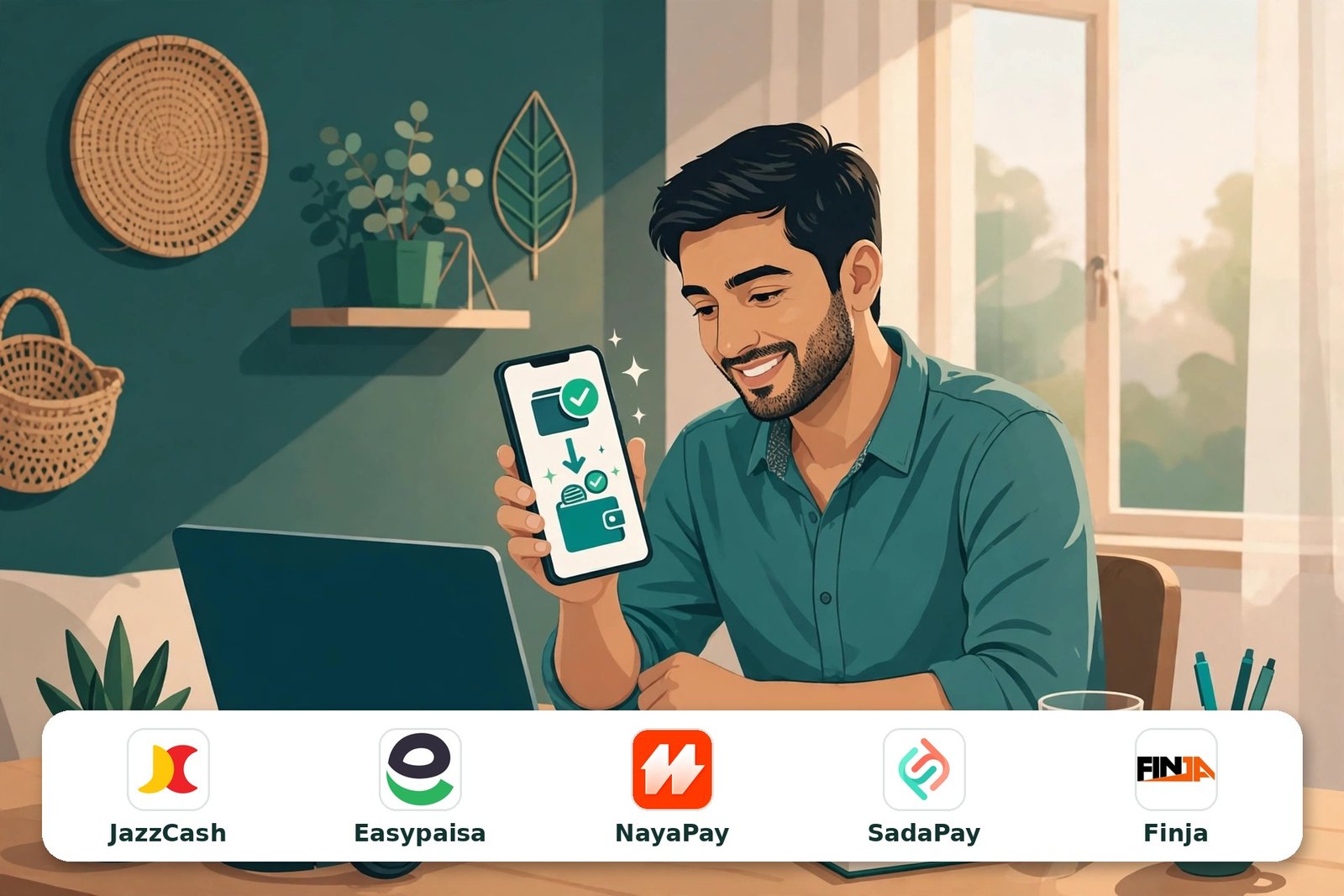
Getting paid used to be the hardest part of freelancing from Pakistan. You earned in dollars on Upwork, then waited days while your money travelled through Payoneer or a bank before it became rupees you could actually spend. That changed this week. Upwork withdrawal in Pakistan now includes a new “Direct to Wallet” option: Pakistani freelancers can withdraw their earnings straight to JazzCash, Easypaisa, NayaPay, SadaPay or Finja — in Pakistani rupees, usually within minutes.
The option began appearing in Pakistani Upwork accounts on 6 November 2026, according to TechJuice’s reporting, and it is now documented in Upwork’s own help centre, which lists Pakistan among the direct-to-wallet countries with those exact five wallets. Here is what changed, how to set it up, what it costs, and how it compares with the methods you already use.
1What Exactly Changed?
Until now, an Upwork withdrawal in Pakistan meant one of three routes: Direct to Local Bank (cheap, but up to four business days), Payoneer (a $2 Upwork fee, then a second conversion when you moved money out of Payoneer), or an expensive USD wire transfer. Every existing guide on withdrawing Upwork money in Pakistan — including the top-ranking ones — still tells you that JazzCash and Easypaisa are only reachable through Payoneer. That is no longer true.
Upwork’s new Direct to Wallet method removes the middleman completely:
- Five wallets supported: JazzCash, Easypaisa, NayaPay, SadaPay and Finja.
- Paid in PKR. Your dollars are converted and land in your wallet as rupees.
- Speed: Upwork’s help centre says most withdrawals arrive within minutes. If a withdrawal has not arrived after 24 hours, Upwork advises checking with your wallet provider first, then contacting Upwork support.
- No bank account required. If you have an active mobile wallet, you can be paid.
- Part of a wider rollout. Pakistan is one of five countries with direct-to-wallet so far, alongside Bangladesh (bKash, Nagad), Indonesia, the Philippines (GCash, PayMaya) and Kenya (M-Pesa). Upwork says more countries and wallets are rolling out in phases.
2What This Means for Pakistani Freelancers
This is a bigger deal than it looks, for three reasons.
First, the double fee is gone. The old Upwork → Payoneer → JazzCash route charged you twice: $2 to leave Upwork, then roughly 2% in conversion when Payoneer money moved into your wallet or bank. A single direct withdrawal replaces both steps.
Second, the money is spendable immediately. A withdrawal that lands in JazzCash or Easypaisa within minutes can pay a bill, top up a phone or move onward through Raast the same day. Compare that with up to four business days for a bank transfer — money earned on Monday could previously arrive the following week.
Third, it opens Upwork income to freelancers without bank accounts. Plenty of skilled Pakistanis — students, remote workers in smaller cities, women freelancing from home — have a mobile wallet but no conventional bank account. For them, this removes a real barrier. It also fits the direction Pakistan is already moving: the government is pushing digital wallets into the mainstream (we covered the Pakistan Single Window digital wallet story recently), and the country’s digital workforce keeps growing — the same workforce behind the plan to train one million AI professionals by 2030.
Two honest caveats. Wallet accounts have transaction and balance limits set by each provider, so high earners moving thousands of dollars will still need a bank route for large payouts. And the exchange rate on any PKR payout — wallet or bank — includes conversion costs, so the rate you get will not be the interbank rate you see on Google. Speed is what you are buying; check the rate on your confirmation screen.
3How to Set Up Direct to Wallet on Upwork (Step by Step)
Upwork’s own setup guide gives these steps. Do them exactly, because two of the rules trip people up.
- Activate your wallet first. You must already have a registered, active account with JazzCash, Easypaisa, NayaPay, SadaPay or Finja before Upwork will link it.
- Open withdrawal settings. On desktop, go to Account settings > Withdrawals. In the mobile app, go to Settings > Withdrawals.
- Add the method. Select Add a method, then press the Setup button next to Direct to Wallet (shown as “Direct to Local Wallet (PKR)” in some accounts).
- Enter your wallet details exactly as registered with the wallet provider, and select Add Direct to Wallet account.
- Wait three days. For security, a newly added withdrawal method only becomes active after three days. Set it up now, not on payday.
- Withdraw. Once active, choose the wallet when you click Get Paid. Most withdrawals arrive within minutes.
Upwork requires your first and last name to match exactly across three places — your verified name on Upwork and the name registered on your wallet account. A spelling difference (Muhammad vs Mohammad, a missing middle name) is the most likely reason a setup stalls. Fix the mismatch before you start.
4Fees and Timing: The Honest Picture
Here is where you need to read carefully, because the sources do not fully agree — and we will not pretend they do.
- Upwork’s help centre says the direct-to-wallet fee “varies by wallet”, and that the final PKR amount is based on an exchange rate that already includes currency conversion costs, with no additional conversion fee deducted. Your wallet provider may add charges of its own.
- The in-app pop-up shown to Pakistani users — screenshotted by freelancers and reported by TechJuice — shows a flat $1.99 per withdrawal (about PKR 551 at current rates).
So treat $1.99 as the fee most users are currently seeing, but confirm the exact figure on your own withdrawal screen before you confirm — the rollout is new and Upwork’s documentation still describes it as variable.
How the methods compare
| Method | Upwork fee | Speed | Notes |
|---|---|---|---|
| Direct to Wallet (new) | $1.99 shown in-app (help centre: varies by wallet) | Usually within minutes | JazzCash, Easypaisa, NayaPay, SadaPay, Finja; limits vary by wallet |
| Direct to Local Bank | $0.99 per withdrawal | Within 4 business days | Min $5, max $8,999 per withdrawal; personal accounts only for PKR |
| Payoneer | $2 per withdrawal | Minutes–hours to Payoneer, then 1–2 days to bank | Extra ~2% conversion when moving money out; Payoneer’s own account fees may apply |
| Wire transfer (USD) | $50 per withdrawal | Several business days | Rarely worth it unless you must hold dollars |
5Wallet vs Payoneer vs Bank: Which Should You Use?
Choose Direct to Wallet if you withdraw small-to-medium amounts often, need money fast, or do not have a bank account. One step, one fee, rupees in minutes.
Keep Direct to Local Bank for large payouts. At $0.99 flat it is the cheapest route per withdrawal, and bank accounts do not have wallet-style limits. If you withdraw $1,000+ at a time and can wait a few days, the bank still wins on cost.
Keep Payoneer if you need dollars. Payoneer still makes sense if you receive money from several platforms (Fiverr pays through Payoneer too), pay for tools in USD, or want to hold a dollar balance. The wallet pays out in PKR only.
What about Wise? Wise is not an Upwork withdrawal method — you cannot select it in Upwork’s withdrawal settings. Freelancers use Wise when clients pay them directly off-platform. Inside Upwork, your realistic choices are the four in the table above.
Many freelancers will sensibly run the wallet for quick, everyday withdrawals and the bank for the big monthly payout. And if you also sell through your own website, the same wallets matter on the receiving side too — our guide to the best payment gateways in Pakistan covers JazzCash and Easypaisa for online stores.
?Frequently Asked Questions
Can I now withdraw Upwork earnings directly to JazzCash without Payoneer?
Yes. Since 6 November 2026, Upwork’s Direct to Wallet method pays straight into JazzCash (and Easypaisa, NayaPay, SadaPay and Finja) in PKR. Older guides that say this is impossible were correct until this week — the Payoneer middleman is no longer required.
Why don’t I see Direct to Wallet in my Upwork account yet?
Upwork is rolling the feature out in phases, and availability depends on your profile country. If your profile country is Pakistan and the option has not appeared under Settings > Withdrawals > Add a method, it should arrive as the rollout continues. There is nothing to apply for — it appears automatically.
How long does an Upwork wallet withdrawal take?
Once the method is active, Upwork says most withdrawals arrive within minutes. The exception is the first setup: a newly added withdrawal method takes three days to become active for security reasons. If a withdrawal ever takes more than 24 hours, check with your wallet provider first, then contact Upwork support.
What is the fee for withdrawing Upwork money to JazzCash or Easypaisa?
The pop-up shown to Pakistani users displays a flat $1.99 per withdrawal (about PKR 551). Upwork’s help centre says the fee varies by wallet, and the PKR you receive is converted at a rate that includes conversion costs, with no extra conversion fee on top. Always confirm the fee and rate on your own confirmation screen before withdrawing.
Is there a minimum or maximum withdrawal amount?
Upwork does not publish one fixed limit: withdrawal limits vary by wallet provider, and the maximum for your wallet is shown when you add the method and again when you make a withdrawal. Wallet providers also set their own account limits, which depend on your verification level.
The name on my wallet does not match my Upwork name. What happens?
Upwork requires an exact match between your verified Upwork name and the name registered on your wallet account. A mismatch is the most common cause of a failed or stalled setup. Correct the name with your wallet provider (or update your Upwork verified name through Upwork’s verification process) before linking the two.
Should I close my Payoneer account now?
No. Keep it. Payoneer remains the route for Fiverr income, multi-platform earnings and holding USD. Direct to Wallet is an additional option, not a replacement — most freelancers will use the wallet for fast PKR withdrawals and keep Payoneer and Direct to Local Bank for everything else.
The bottom line: Upwork withdrawal in Pakistan finally works the way freelancers always wanted — earn in dollars, withdraw in rupees, spend within minutes. Set up Direct to Wallet today, remembering the three-day activation and the exact name match, and your next payday really can be the same day. Keep your bank route for large payouts, keep Payoneer if you juggle platforms, and always check the fee and rate on the confirmation screen, because this feature is new and still rolling out.
Sources: Upwork Help Centre — fees and timing of Direct to Wallet payments; Upwork Help Centre — how to use Direct to Wallet; TechProlonged — Upwork adds JazzCash and Easypaisa withdrawals for Pakistan; NextWallet — Upwork adds direct wallet withdrawals for Pakistani freelancers; TechJuice coverage of the 6 November 2026 rollout.
Get Paid Faster — and Look Professional Doing It
If you are a freelancer or business that sells services online and you need a website that makes you look as professional as your work — or help getting found on Google — that is what we do at Azhad Niaz & Company in Peshawar.